
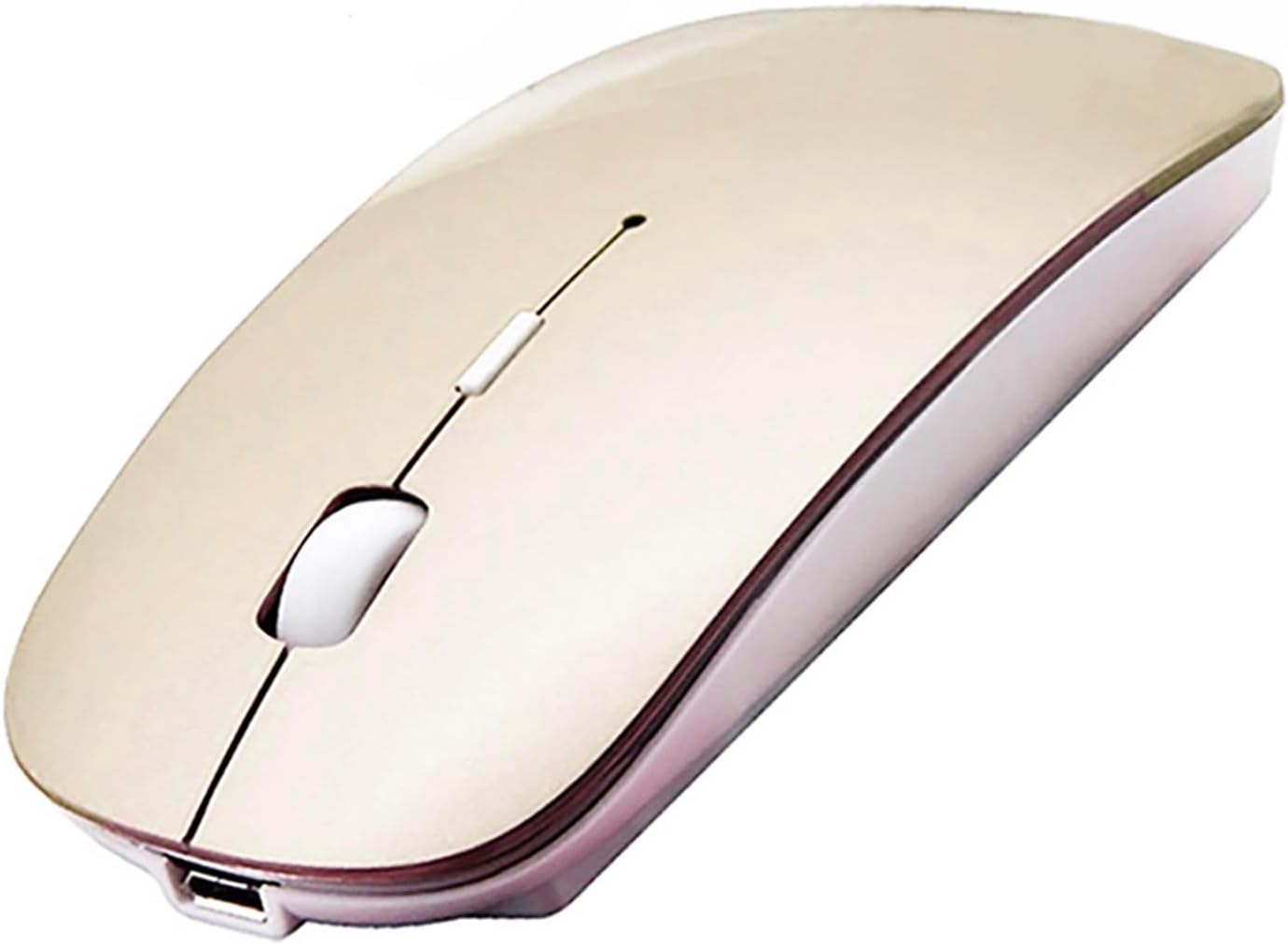
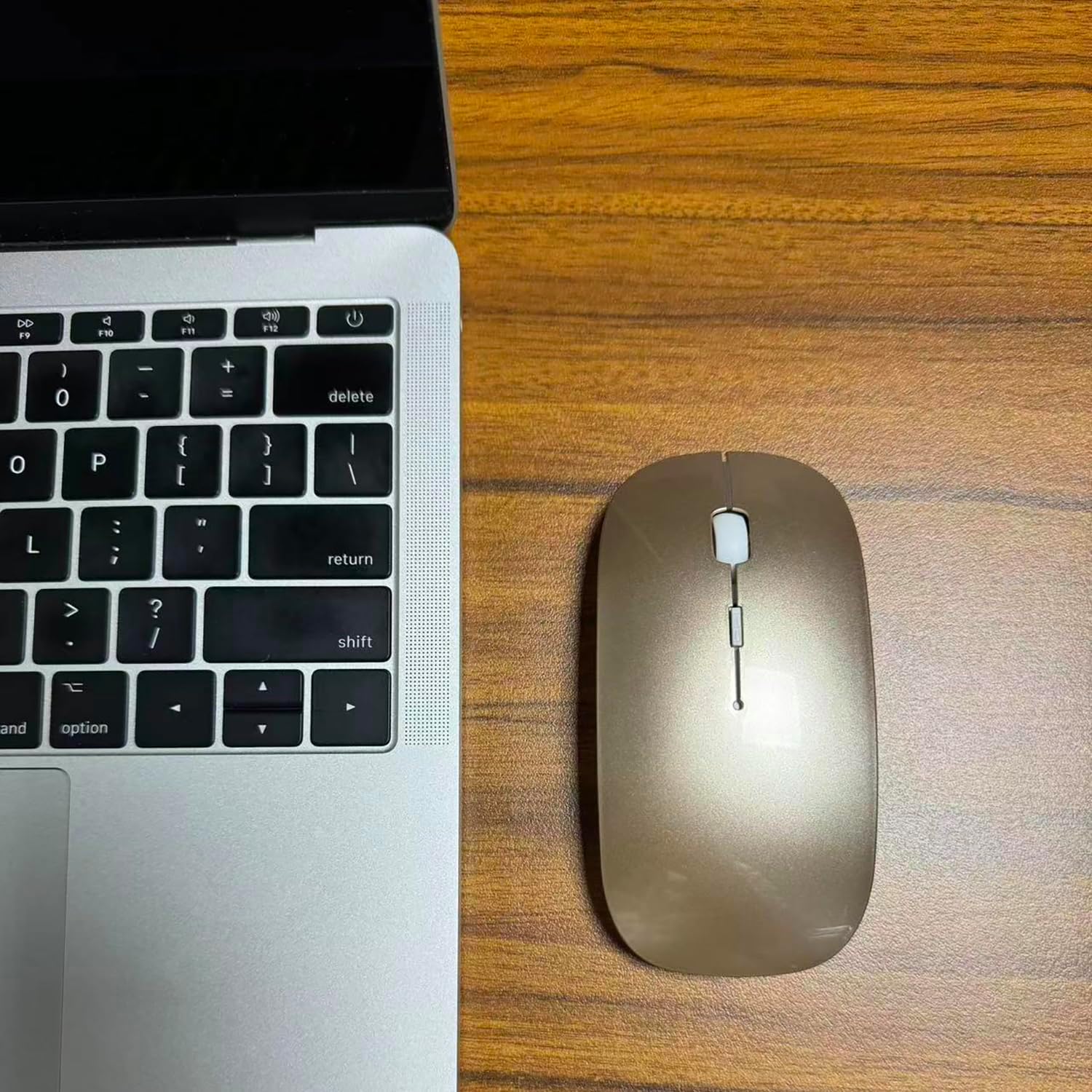
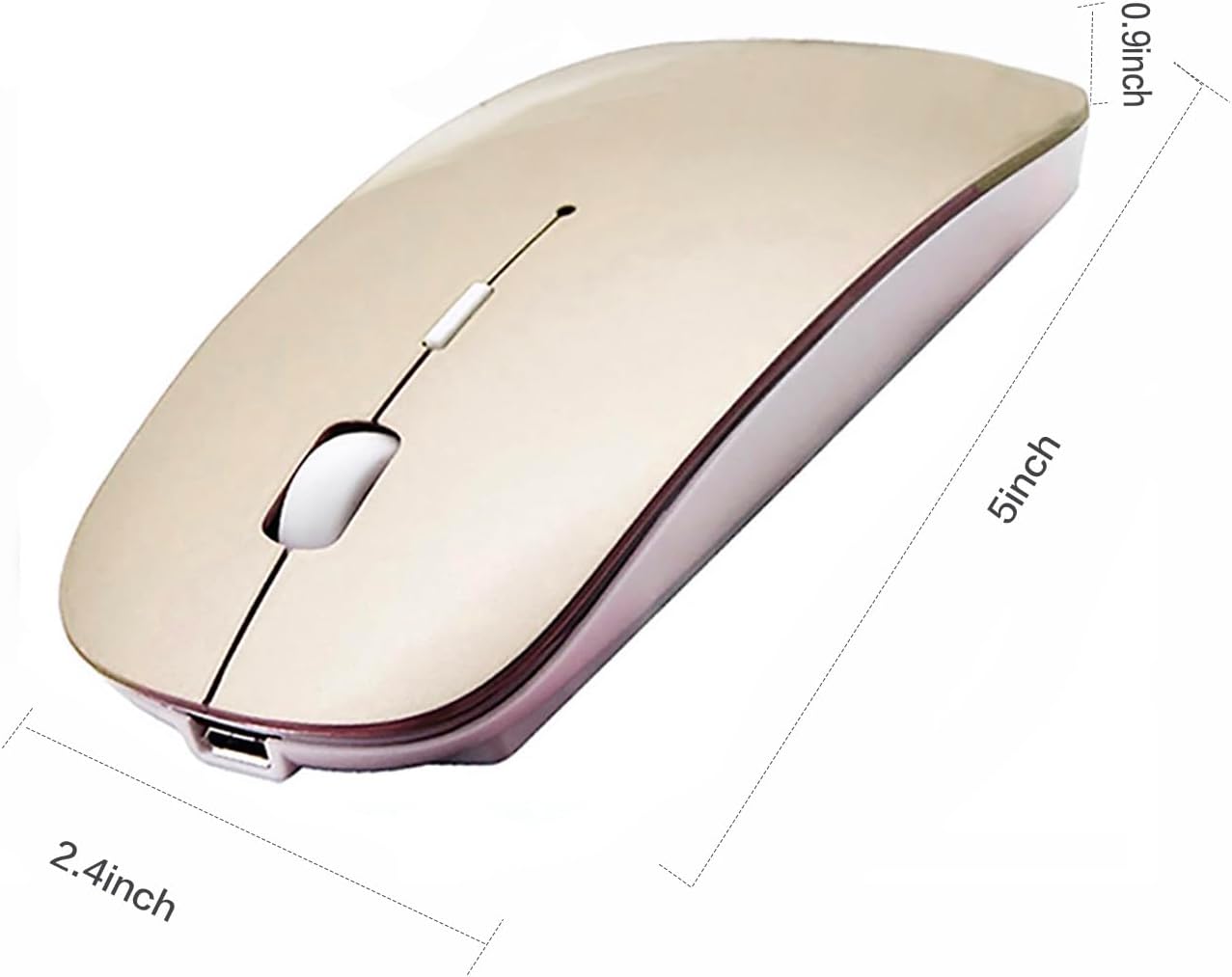
Bluetooth 5.2 Wireless, gold, rechargeable, ergonomic mouse …
$14.96
Description
Price: $14.96
(as of Jun 20, 2025 18:04:52 UTC – Details)

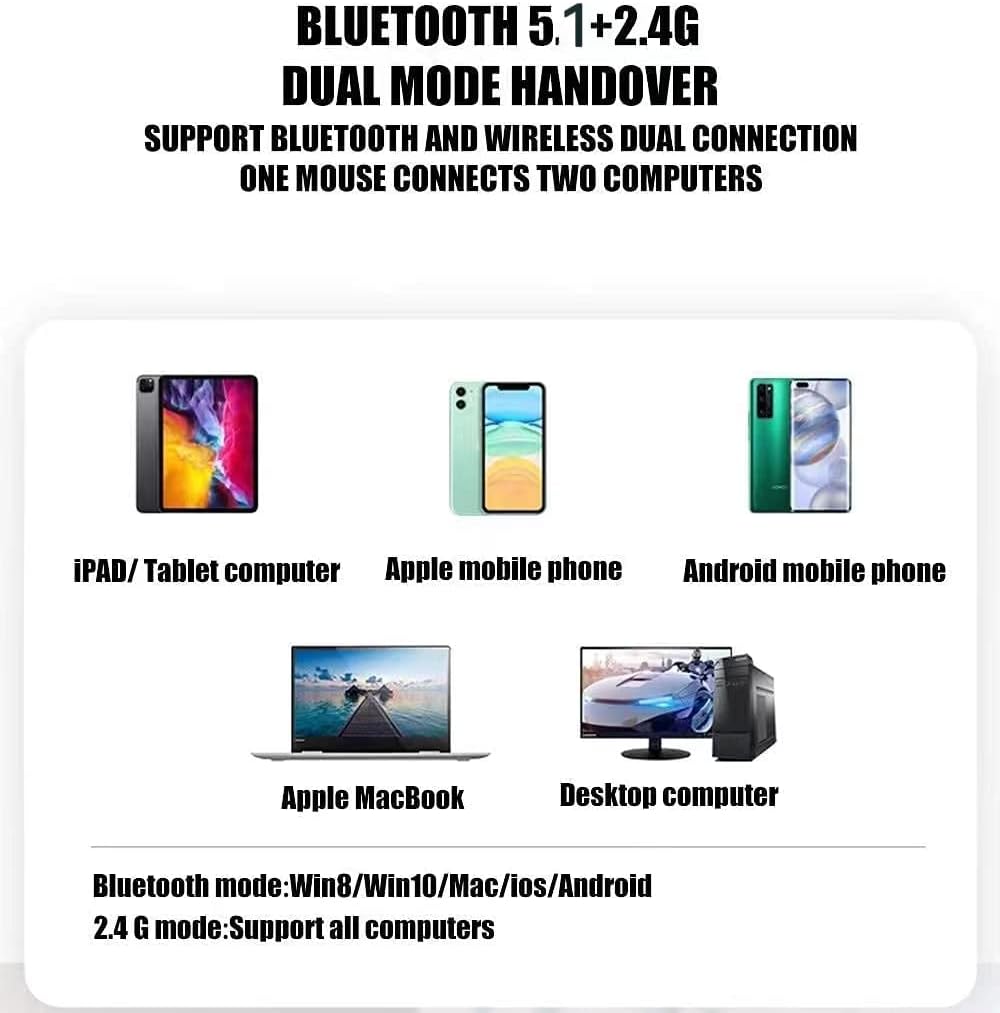
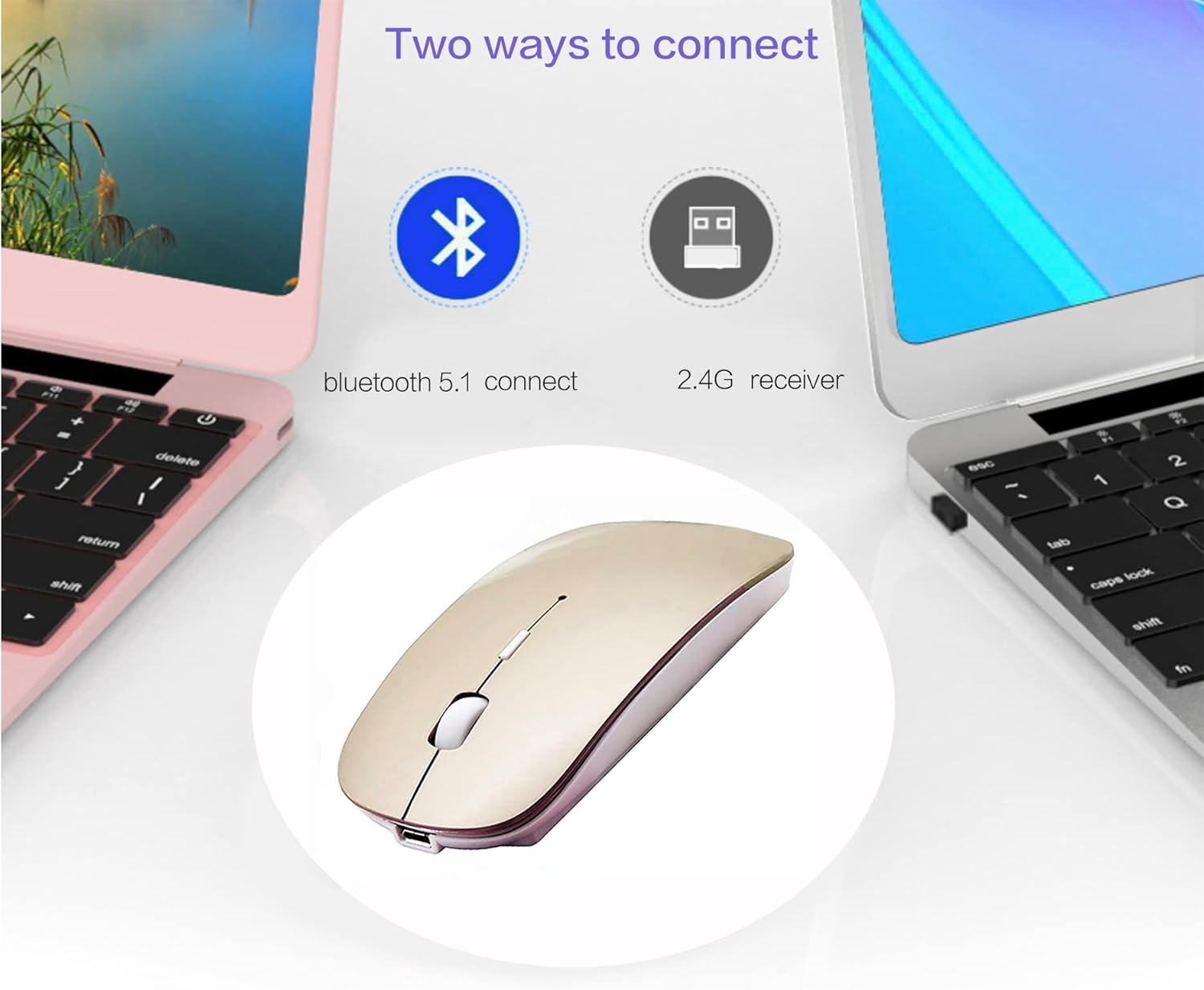
Choose the Bluetooth wireless mouse in PEIBO (BT5.2+BT3.0+2.4Greceiver+USB C), which is more conducive to our connection and use on any computer device,
How to use Bluetooth Mouse mode:
First, slide the mouse switch to the Bluetooth mode (blue light)> Open the configuration of the laptop system configuration> Turn on the Bluetooth function>, when Bluetooth of the laptop Look for near Bluetooth devices. (If there is no Bluetooth button, you can omit this step and click on the connection directly)> Bluetooth search appears bluetooth 5.2 mouse> Click to connect “BT5.2 MOUSE O BT3.0 MOUSE (BT3.0 for the previous laptop)”> The connection is successful
How to use the 2.4G Mouse of the USB Receptor mode: First, change the mouse switch to the 2.4G (Green light)> Mode
How to use the Bluetooth mouse in the iPados13 and top iPad Pro 11/12.9 inches iPad Air 10.9 inches iPad Mini 8.3 inches iPad 10th Genh 9th Gen 10.9 inches: First, open the iPad configuration, find accessibility, turn on the tactile controls, find assistance controls, turn on the assistance controls, then activate the assistance controls, then activate the assistance controls, then activate the assistance controls, then activate the assistance controls. Remove the device, turn on the BlueT device, turn on the touch device, see the tactile controls, light the assistance controls, then remove the assistance controls, then. The black button at the bottom of the mouse for 3-4 seconds, (If there is no Bluetooth button, you can omit this step and click on the connection directly). Your iPad will look for a Bluetooth 5.2 mouse and click “Connect”. Pressing password: 0000, (if you can't find the Bluetooth Mouse device, restart the mouse or iPad Bluetooth function, or IPAD restart)
How do I charge a wireless mouse?
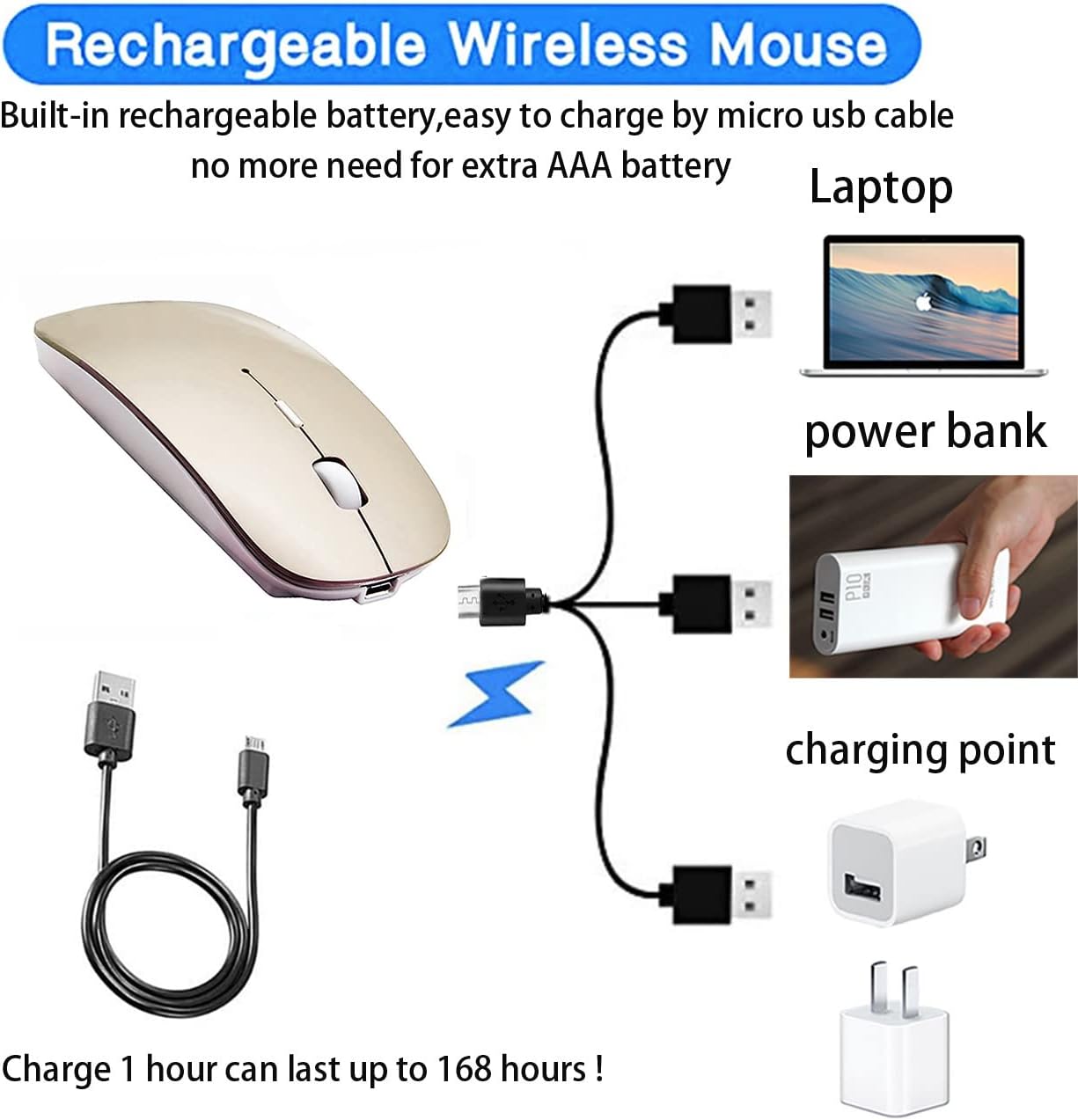
When the pointer of your mouse does not move or cannot be used, or suddenly it is continuously disconnected during use, this is the reminder that you must load the Bluetooth mouse for approximately 3 hours.
Use an adapter with an output of no more than 5V to load, an energy bank or a USB port on your laptop. (The load is prohibited in loaders with 10V or more output)
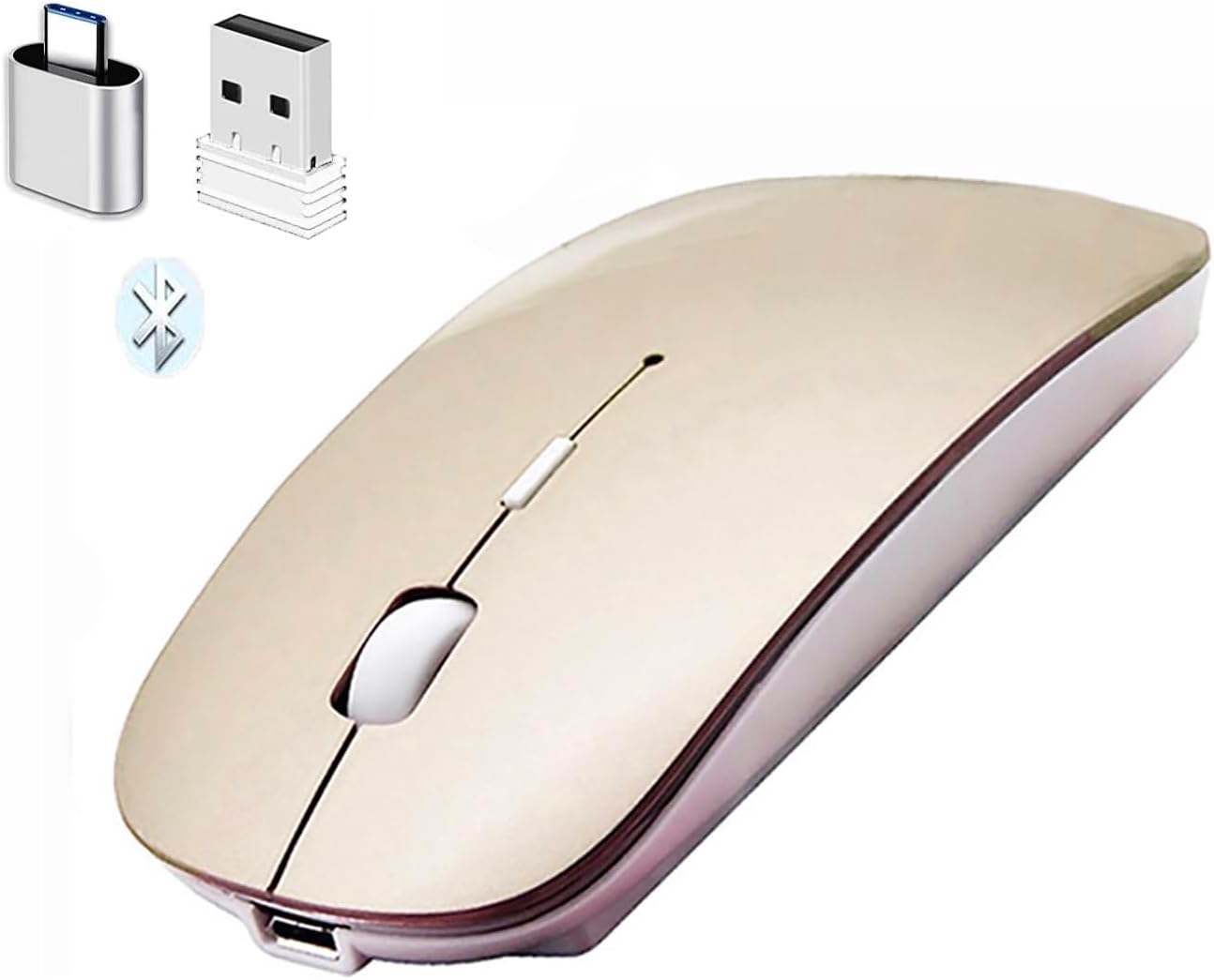
Packaging list: Instruction Manual *1, Bluetooth Rechargeable 5.2 + Bt3.0 + 2.4g USB Receiver Muso Inallado Dual Mode *1, (2.4g USB Receiver Hidden in the lower slot of the mouse), USB load cable *1, USB C *1 adapter, packaging box *1.
【Bluetooth 5.2 +3.0 +2.4g USB Receptter +USB adapter C Bluetooth Bluetooth Mode Mode Mouse】 You can change between Bluetooth mode or 2.4g mode of 2.4g, compatible systems are: 、 macci 、 Apple/Windows 、 Win7/8/10, Unix, Unix, Unix, Unix, Unix, Linux. ❮ Bluetooth mode is available for all laptops enabled with bluetooth, macbook pro macbook air macbook mac imac (iPad pro iPad air iPad mini iPad10th iPad9th, iPhone, imac, tablet, computer all in one, etc. Desk, all in One, Dell, HP, Mac, Mac, IMAC, USA UU. PORTS.PLUG AND PLAY.
Building battery: built -in battery, easy to load by a USB micro cable, no more need for additional AAA battery is necessary. Please keep the mouse feed switch in the “ON” position when loading.
Ergonomic design: a good surface coating technology gave it a feeling of skin touch. The easy -to -use design provides comfort throughout the day for work and entertainment, laptop and perfect pocket to travel, the design of mute keeps annoying clicks.
Auto Energy-Savingingseing Mode: Li polymer batteries, high-cycle useful life. If you do not use the mouse for eight minutes, you will go to sleep, you can press the button button to weak.
Peibo Bluetooth Wireless Mouse works on all laptops and desktop computers
Related products
-
 Sale!
Sale!
Generic Multifunction Smart Watch with 2.01 Inch Large Touch Screen…
Original price was: $29.99.$18.99Current price is: $18.99. Buy Now -

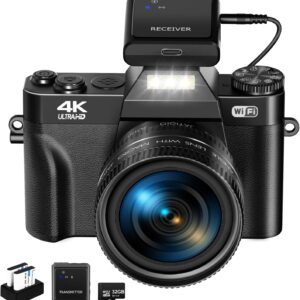
Digital Camera for Photography VJIANGER 4K 48MP Vlogging Cam…
$99.99 Buy Now -
 Sale!
Sale!
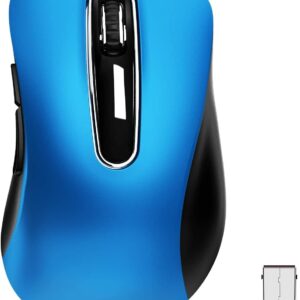
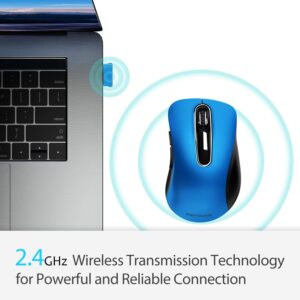
memzuoix Portable Wireless Mouse 2.4G, 1200 DPI Optical Mobile…
Original price was: $22.99.$15.99Current price is: $15.99. Buy Now -

Toshiba Canvio Basics 1TB Portable External Hard Drive USB 3.0…
$64.96 Buy Now
Reviews
There are no reviews yet.