
Phomemo M08F Wireless portable printers for travel, thermal …
Original price was: $94.99.$75.99Current price is: $75.99.
Description
Price: $94.99 - $75.99
(as of Mar 16, 2025 11:35:59 UTC – Details)

Product description The video shows the product in use. The video guides it through product configuration. The video compares multiple products. The video shows the product that is being unpacked.


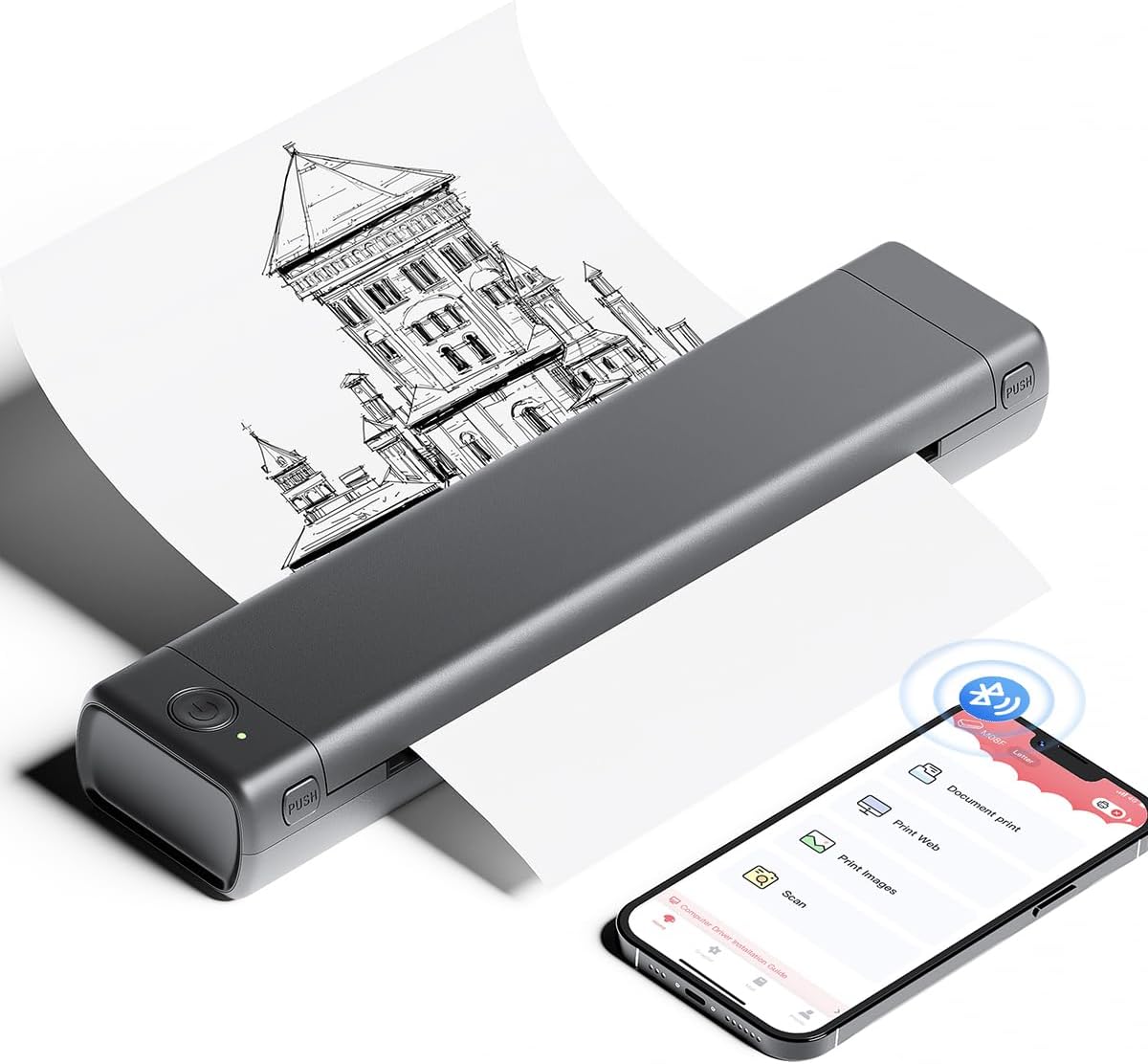
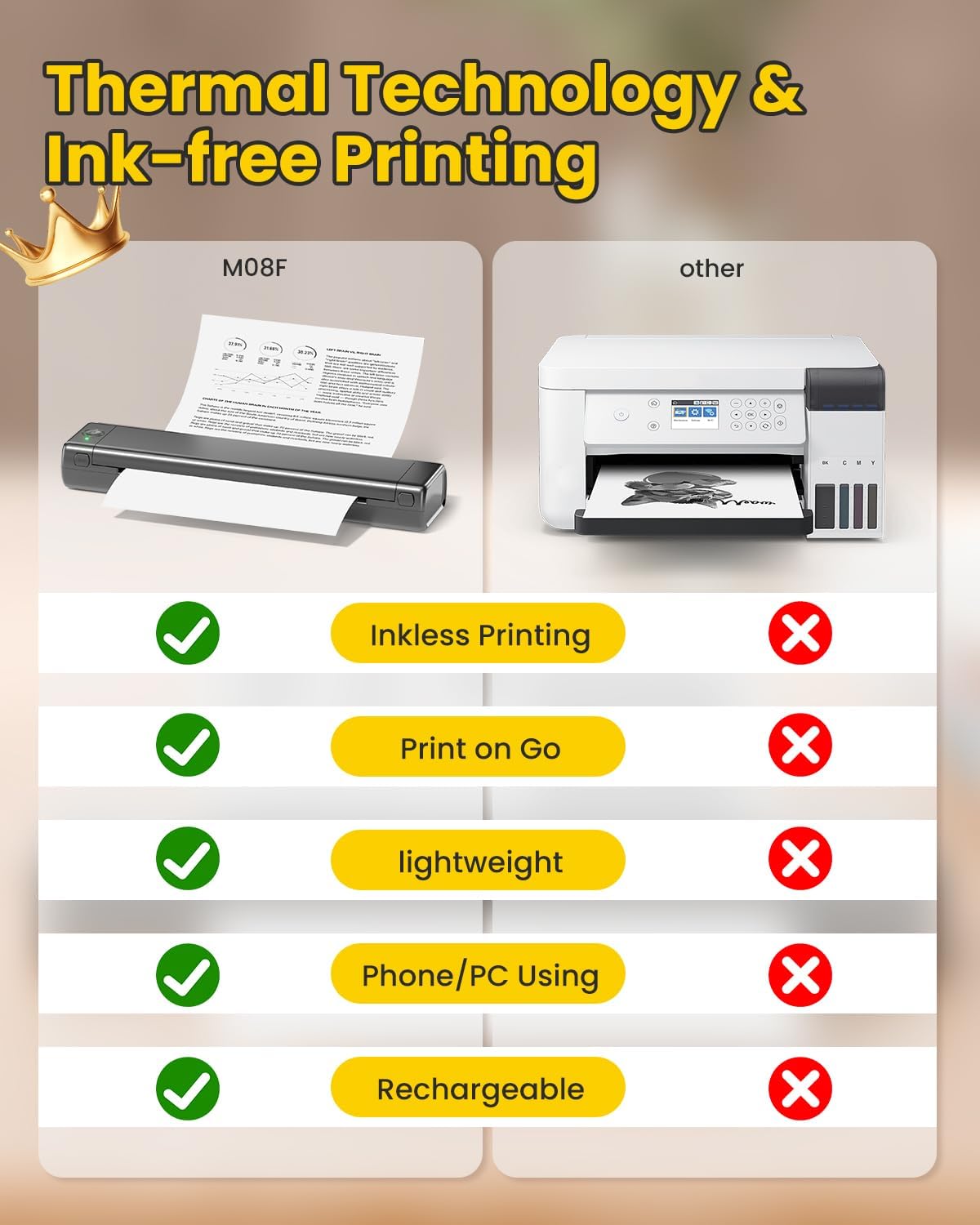
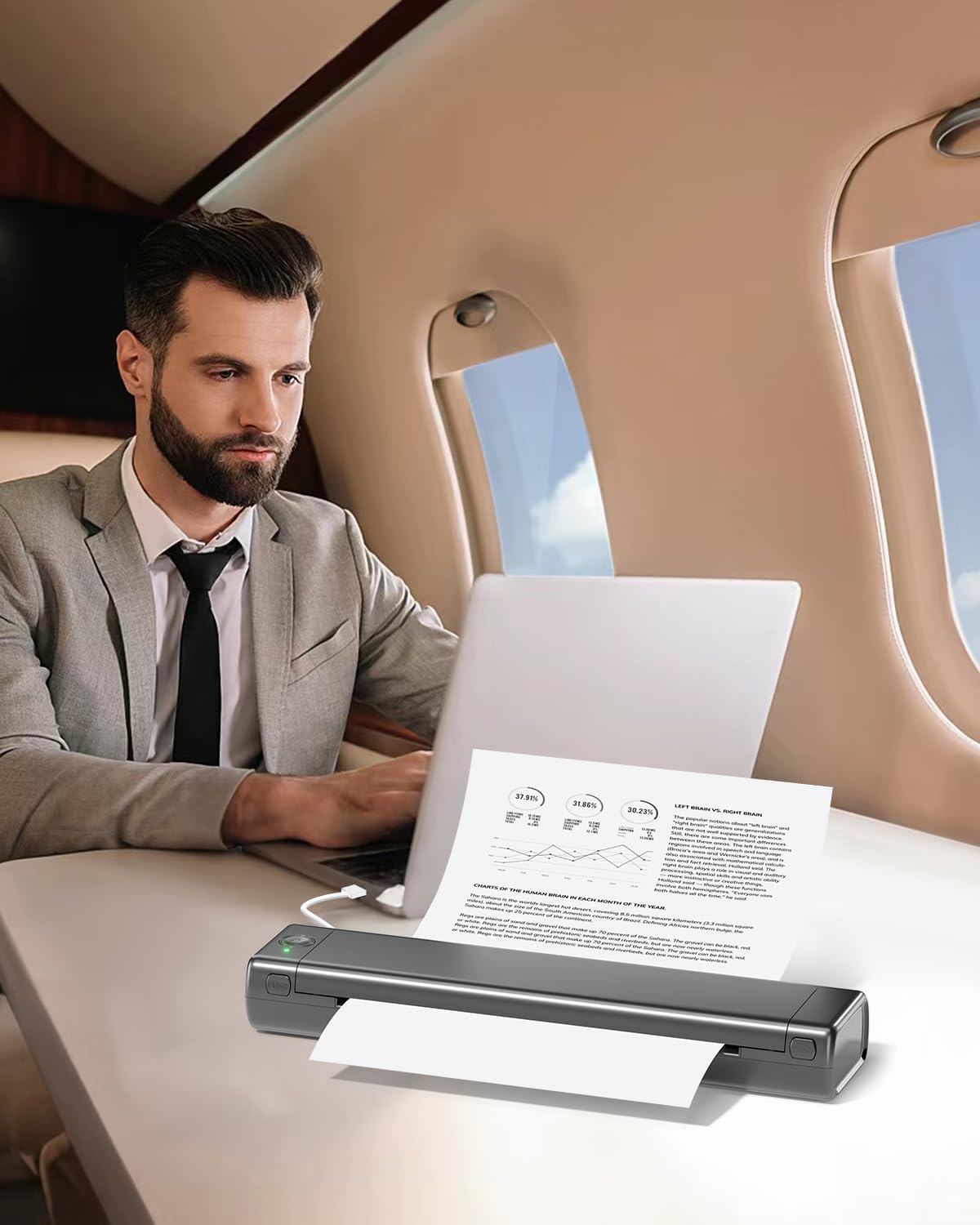
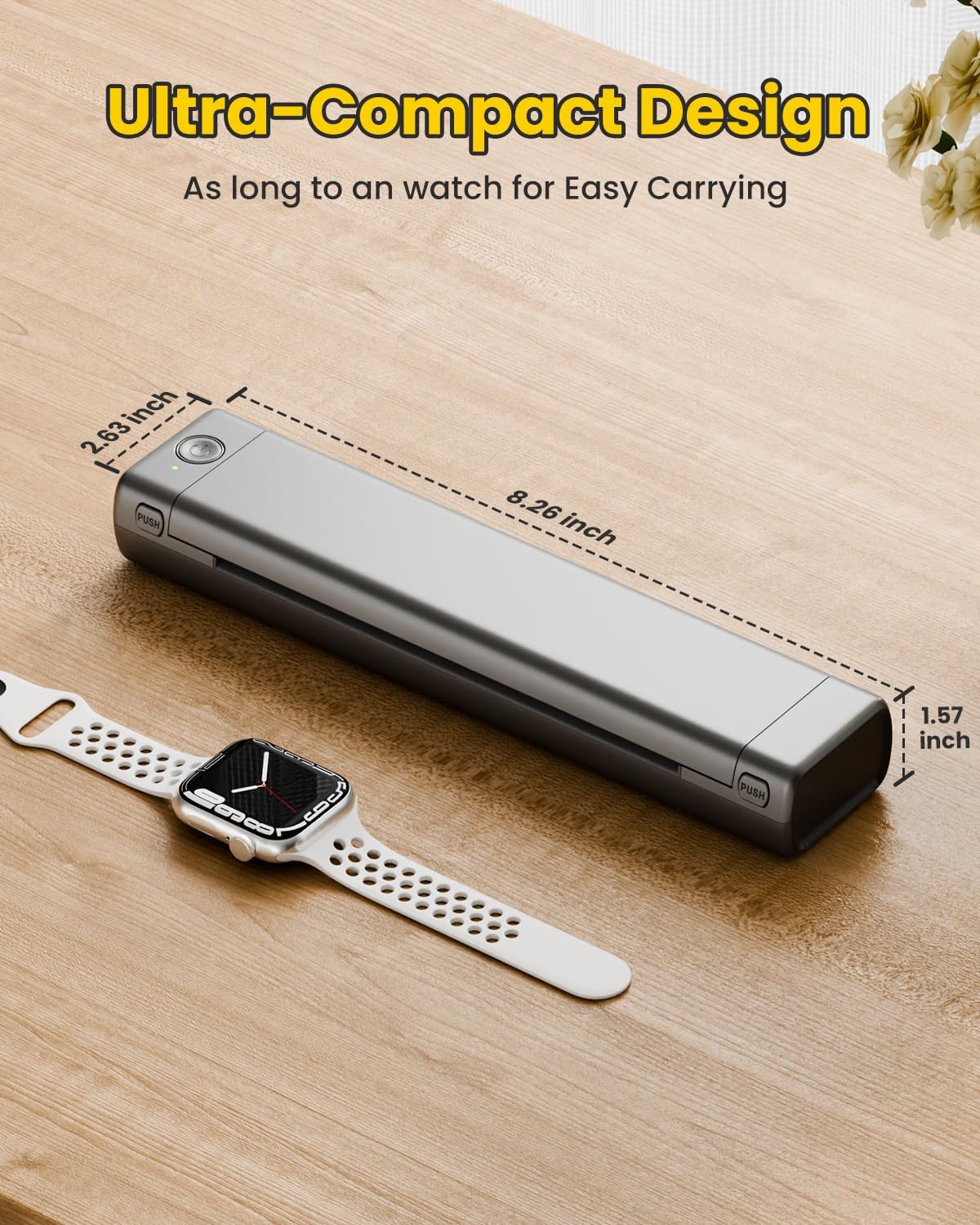
Portable printer: Updated M08F printer: Do you travel a lot and you can't find a printer to print your documents, the M08F will be of great help to you! PHomemo M08F portable printer uses avant -garde thermal printing technology. It allows you to print where you stay, providing convenience and freedom wherever you go. Whether you are traveling or simply in the office, Phomemo M08F thermal Printer is your perfect partner
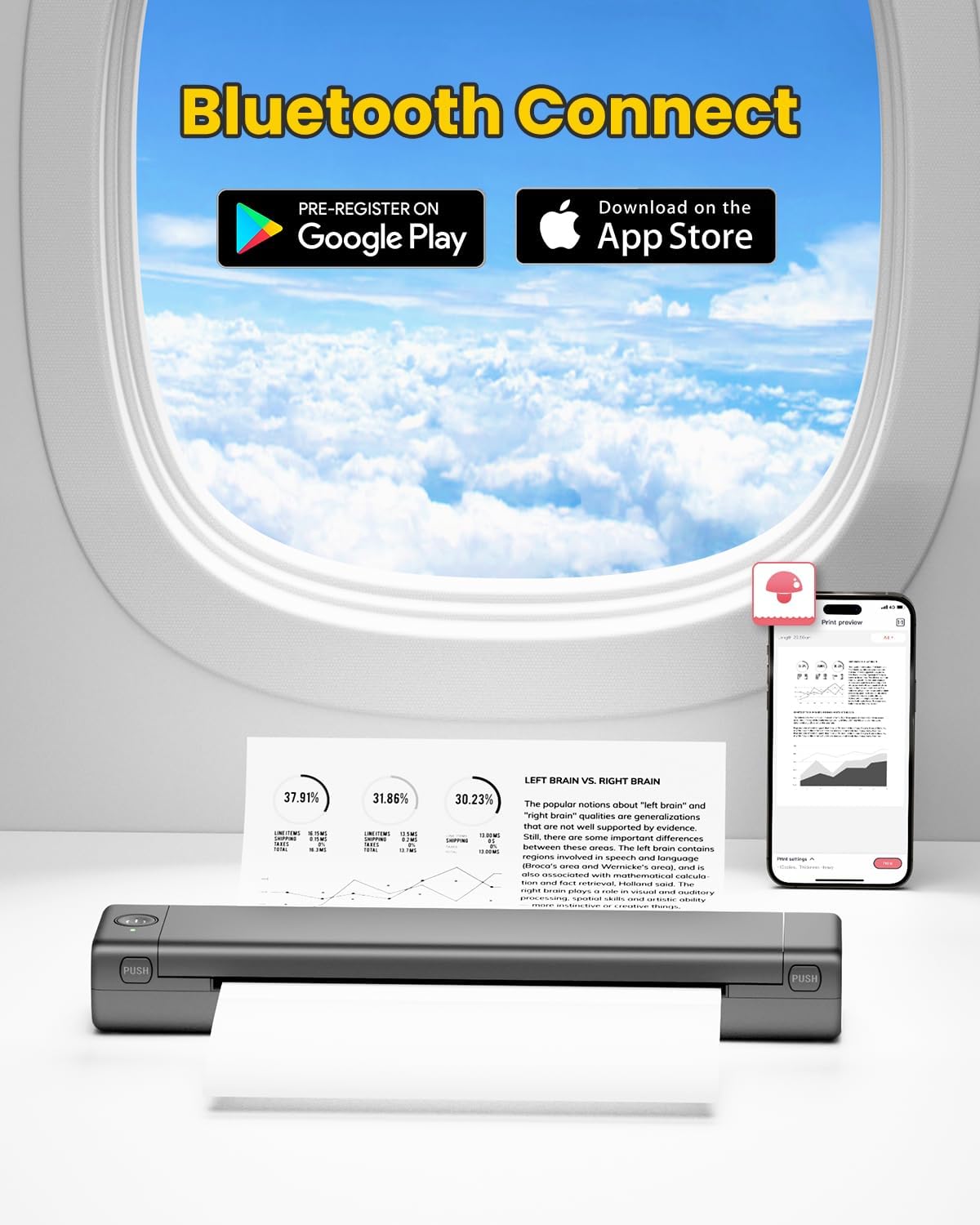
Bluetooth printer – Go Wireless by Bluetooth: Obtain the “Phomemo” application of Google Play or Apple Store to print through Bluetooth in its portable thermal printer for iOS and Android. (Note: mobile devices cannot be connected directly to Bluetooth and should be used through the Phomemo application).
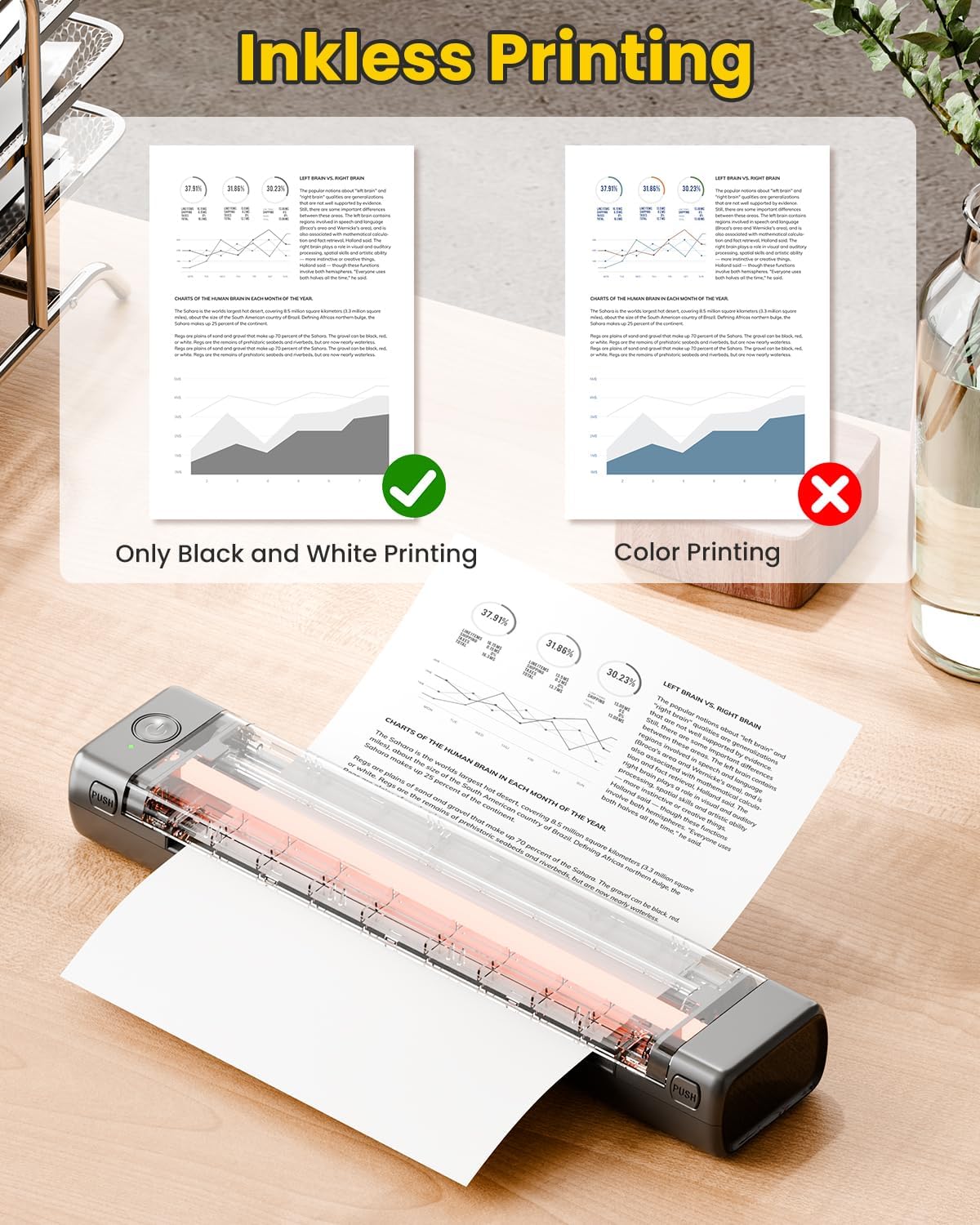
Wireless printer: High quality printing (black and white printing): Bluetooth M08F thermal printer offers superior print clarity – high quality clarity with rapid processing speeds and support for hundreds of thermal paper sheets. Whether it is in the car, at home, outdoors or traveling, you can print contracts, office documents, lists, invoices, labels and what you need
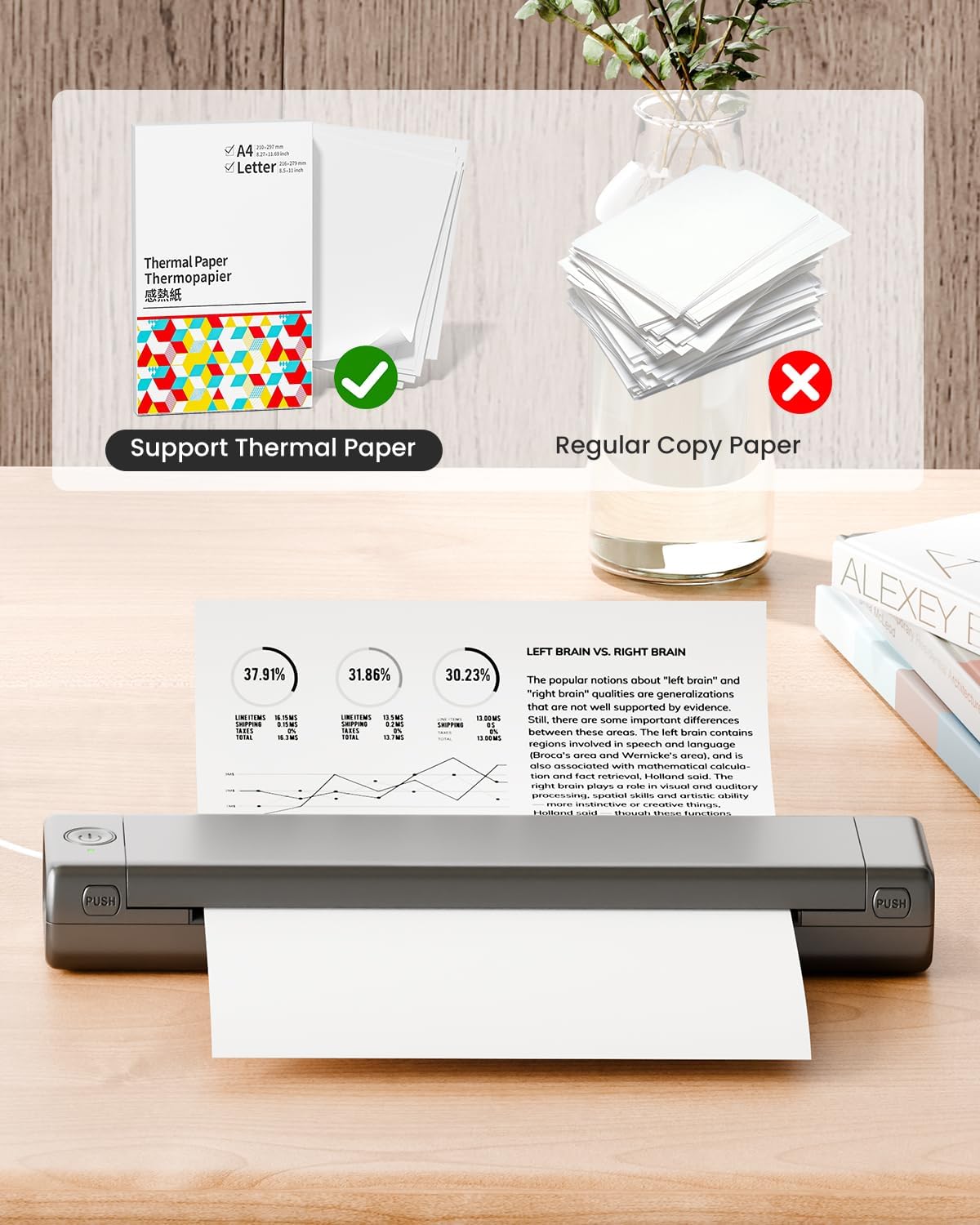
Printer without ink – Printing without ink – Bluetooth printer Use thermal technology – Does not require ink, toner or tapes. On the other hand, you only need to replace the thermal paper and it is ready, each thermal paper costs only $ 0.06-0.12, cheaper than the ink cartridges + paper. (Note: Different from a traditional printer, requires a special role (thermal paper) to use., Do not admit regular copy paper)
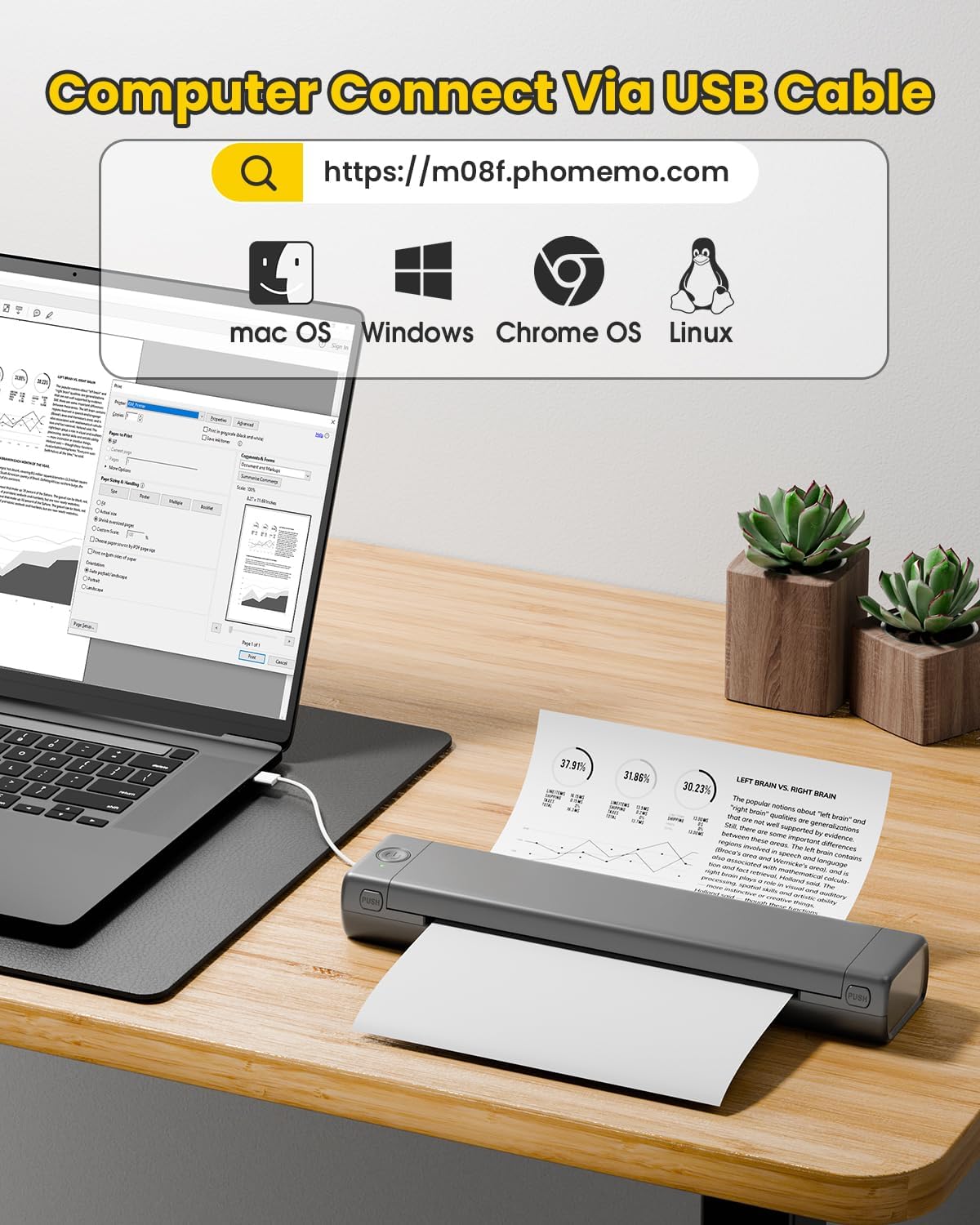
Mobile printer: strong compatibility: print PDF, word, images, web from your phone, whenever it is, wherever. You can also use a USB cable to connect for computer printing; (PC devices only work with USB connection, they must download the controller first: M08F.phomemo.com)
How to print on phones – 1.) Turn on the printer without ink. 2.) Download the “Phomemo” of your App Store. 3). Enabling Bluetooth Travel on your phone> Return to the Phomemo application and click to add the device. 4.) Selected the M08F (for this model): Wait a second that must be connected. He didn't even take 5 minutes to configure and print. ** If the match took too much time: I restart the printer keeping the ignition button down and then turn on again and return to the application to combine. It was very easy to configure. Load 5V2A -Do not use the charger with an exit greater than 5V
Related products
-
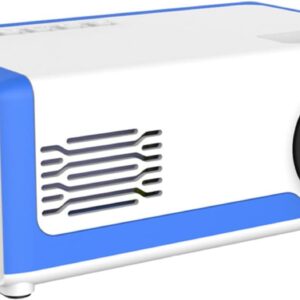

Mini Projector, 2024 Upgraded Small Projector for Home,…
$525.90 Buy Now -
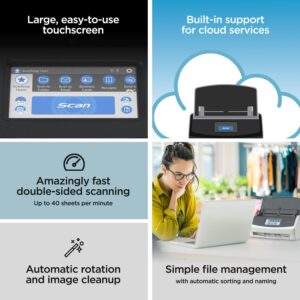
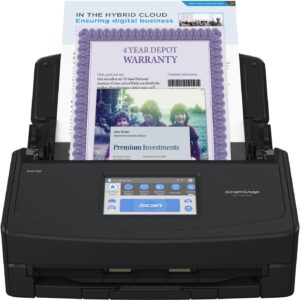
ScanSnap iX1600 Premium Color Duplex Document Scanner for Ma…
$440.00 Buy Now -
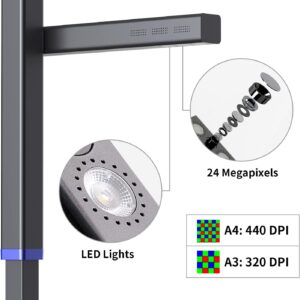
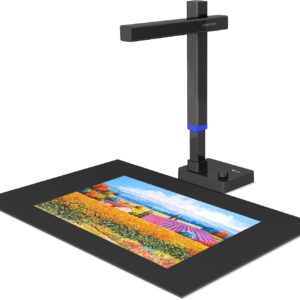
CZUR Shine Ultra Pro 24MP Document Scanner, USB Book Scanner…
$329.00 Buy Now -
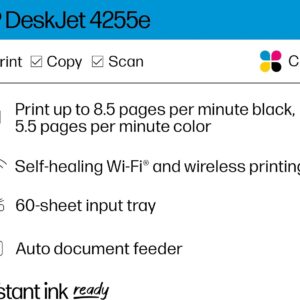
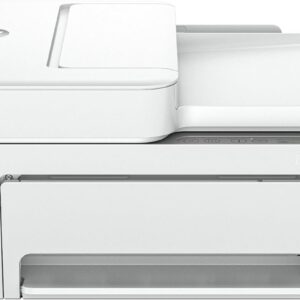
HP DeskJet 4255e All-in-One Wireless Color Inkjet Printer, S…
$99.99 Buy Now
Reviews
There are no reviews yet.